From Zero to Agent: Build AI Workflows Without Coding
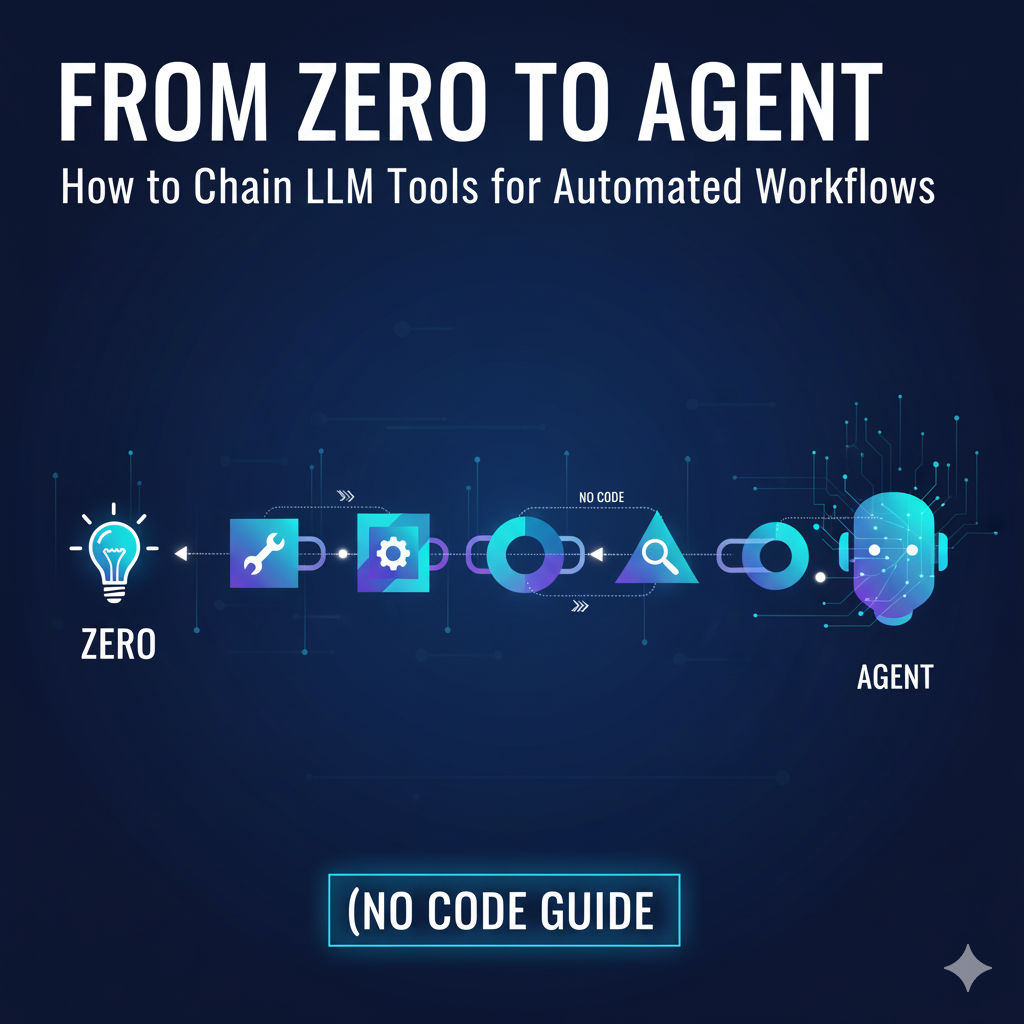
From Zero to Agent: How to Chain LLM Tools for Automated Workflows (No Code Guide)
Keyword: build AI agent no code
Intent: Technical tutorial / Educational
The No-Code AI Revolution Is Here
You’ve probably seen people online talking about their “AI agents” — custom bots that can schedule emails, summarize research, write reports, or even manage content pipelines automatically.
The best part? You no longer need to be a machine learning engineer to build one.
Thanks to today’s no-code platforms and Large Language Models (LLMs) like OpenAI’s GPT series, Anthropic’s Claude, and tools such as Zapier, Make (formerly Integromat), and Langflow — anyone can build a personalized AI agent that automates workflows across tools you already use.
This article is your complete step-by-step guide to going from zero to agent — understanding how LLM tools work together, how to chain them, and how to build a fully functional workflow automation system without writing a single line of code.
1. Understanding the Core Concept: What Does “Chaining LLM Tools” Mean?
Before jumping into tools, let’s simplify what “chaining” means in this context.
Think of it like connecting Lego blocks — each LLM tool or component performs one task, and the output of one becomes the input of the next.
For example:
User request → GPT interprets it → Zapier finds relevant data → Google Sheets stores results → Email agent sends summary.
That’s a chained workflow — and it’s the backbone of how modern AI agents operate.
In traditional coding environments, this is done through APIs and scripts. But with no-code tools, you can now visually connect these actions using drag-and-drop builders.
2. The Building Blocks of an AI Agent
Before we start assembling, let’s understand the core components you’ll need.
A. The Brain — LLM (Large Language Model)
Your AI agent’s brain is an LLM like ChatGPT, Claude, Gemini, or Mistral.
It processes language, understands instructions, and generates logical responses or decisions.
You can access these models via:
ChatGPT (OpenAI) – easy UI + API integration
Poe / Hugging Face Spaces – free playgrounds
LangChain / Langflow – no-code or low-code AI pipeline builder
B. The Memory — Where Data Lives
An AI agent needs memory to function effectively — context helps it make smarter decisions.
In no-code terms, you can store memory using:
Google Sheets or Airtable
Notion or ClickUp databases
Vector databases like Pinecone (for semantic memory, optional)
C. The Hands — Automation Tools
Your agent’s “hands” are automation tools that actually do the work.
These include:
Zapier – for connecting over 6,000+ apps
Make (Integromat) – visual automation builder
IFTTT – lightweight automations
Notion AI workflows – for document-based processes
D. The Interface — How You Interact
Finally, you need a way to talk to your agent.
You can use:
A simple chat interface (like ChatGPT or Replit agent)
A Google Form input
Or a custom dashboard made with tools like Glide, Softr, or Typedream
Once these components are connected, you’ve got a living, functioning agent that can think, remember, and act — all without writing code.
3. Step-by-Step: Building Your First No-Code AI Agent
Let’s walk through an example — creating a personal AI Content Manager Agent that helps writers plan, draft, and publish blog posts.
Step 1: Define Your Workflow Goal
Every automation starts with clarity. Ask yourself:
✅ What specific problem do I want to automate?
✅ Which tools do I already use for that process?
✅ What can AI decide or generate on my behalf?
Example goal:
“I want my AI agent to research blog ideas, generate outlines, and save them to Notion automatically.”
That’s clear, specific, and perfect for no-code automation.
Step 2: Choose Your Core LLM Tool
We’ll use ChatGPT (GPT-4 or GPT-5) as our language engine.
Create a system message (like a personality setup):
“You are a content strategist AI that helps create high-quality blog ideas, SEO outlines, and keyword plans.”
You can later extend this with prompts that guide tone, formatting, and target audience.
Step 3: Add Automation Layer with Zapier or Make
This is where chaining begins.
Trigger: When a new topic is added to Google Sheets (or Notion).
Action 1: Send the topic to ChatGPT (via Zapier’s OpenAI integration).
Action 2: Get AI-generated outline and SEO keywords.
Action 3: Save that response automatically to Notion.
Action 4 (Optional): Email or Slack the summary to your content team.
Congratulations — that’s your first LLM-powered workflow chain.
No code. Just structured automation.
Step 4: Give Your Agent “Memory”
Your AI should remember past context — otherwise, every interaction starts from zero.
Here’s how you can simulate memory using no-code tools:
Store past interactions in Google Sheets
Tag them with metadata (topic, tone, date, etc.)
Add a lookup step in Zapier or Make so the next time you input a topic, your AI sees past results for context
This creates a lightweight “memory” layer that makes your agent feel smarter over time.
Step 5: Add Personality and Control
A great AI agent isn’t just smart — it has a personality.
For example:
A friendly tutor agent for students
A no-nonsense project manager
A creative marketing brainstormer
You can shape tone by fine-tuning prompts and adding “guardrails” like:
“Always keep answers under 300 words.”
“Never use jargon. Be conversational.”
“Confirm user’s approval before executing any major task.”
This ensures your agent behaves predictably and aligns with your brand voice.
Step 6: Expand with Multi-Tool Chaining
Now that you have the basics, let’s scale it.
Example 1: Automate Research
Input topic → AI searches Google via a plugin → extracts top summaries → stores notes in Notion
Example 2: Automate Writing
Input idea → AI drafts a blog intro → sends to Grammarly API → uploads to WordPress
Example 3: Automate Outreach
Input project → AI drafts client email → sends it via Gmail → logs response in Airtable
Each of these chains combines thinking (LLM) + doing (automation tool). That’s the secret behind all AI agents — modular, interconnected intelligence.
4. Advanced Workflows: Using Langflow for Visual AI Pipelines
If you want to build something more advanced while staying no-code, try Langflow — a visual builder inspired by LangChain.
You can:
Connect multiple LLMs (like GPT, Claude, and Gemini)
Add logic-based flows (if/then conditions)
Store data in memory nodes
Trigger external webhooks
It’s like building your own ChatGPT plugin architecture — but visually.
💡 Pro tip: Combine Langflow + Zapier to create AI systems that both “think” (reason with LLMs) and “act” (execute real-world automations).
5. No-Code Platforms for Building AI Agents (2025 Edition)
Here are some of the best tools for building your AI agent this year — even if you can’t code:
Platform | Use Case | Best For |
|---|---|---|
Zapier + OpenAI | Text-based automations | Beginners / Business workflows |
Make (Integromat) | Complex visual workflows | Advanced non-coders |
Langflow | LLM chaining with memory | AI builders / creators |
Pipedream | Event-driven automations | Developers who want semi-code flexibility |
Relevance AI | Custom AI workflows + vector memory | Enterprise / Research |
Glide / Softr | Create front-end dashboards | Personal AI interfaces |
Notion AI | Content management automations | Writers / Teams |
These tools together allow you to build everything from AI writing assistants to automated marketing agents, data analysis bots, and even customer support systems.
6. Real-World Example: Building a Research Assistant Agent
Let’s walk through another quick build — a Research Assistant AI that can summarize and organize information.
Goal:
Summarize 5 recent tech articles weekly and store insights in Notion.
Workflow Chain:
Trigger: RSS feed or Google Alerts adds a new article link.
Action 1: Send URL text to ChatGPT via Zapier.
Action 2: AI summarizes into 3 bullet points.
Action 3: Save output in Notion under “Weekly Research.”
Action 4: Email summary to you every Friday.
In under 2 hours, you’ve built a research agent that runs 24/7 — no code, no manual labor.
7. Ethics and Responsibility in Automation
Before deploying your agent, think ethically.
Even no-code AI agents can:
Access personal data
Send messages automatically
Influence decisions
Always include human-in-the-loop verification steps — like requiring approval before publishing or emailing.
Also, make sure your agent:
✅ Discloses when it’s acting autonomously
✅ Handles data transparently
✅ Doesn’t scrape or misuse content
Remember, automation is powerful — but responsible automation is sustainable.
8. Common Mistakes When Building No-Code AI Agents
Even advanced creators trip up here. Avoid these pitfalls:
❌ Overloading one LLM with too many tasks (it gets confused)
❌ Ignoring context/memory (makes responses inconsistent)
❌ Forgetting API limits or automation caps
❌ Automating tasks without testing human approval flow
Start small. Then scale once each chain is stable and reliable.
9. The Future of No-Code AI Agents
By 2026, AI agents will be everywhere — managing marketing campaigns, handling HR tasks, and even acting as personal tutors.
The rise of agent ecosystems (like OpenAI’s upcoming GPT Store or Meta’s AI Studio) will make it easier to create, share, and monetize your own agents.
Learning to chain tools now puts you ahead of the curve — as a builder, not just a user.
Conclusion: You Don’t Need Code — You Need Curiosity
Building your own AI agent isn’t about being technical — it’s about being curious and strategic.
With today’s no-code platforms, you can combine LLMs + automation tools + smart design thinking to create systems that actually work for you.
So whether you want a content assistant, a productivity coach, or a research bot, remember:
You don’t need to learn code to automate your world — you just need to learn how to connect the dots.
The age of personal AI agents has arrived.
Start building yours today.
Discover Premium Tools & Resources
Unlock exclusive access to premium productivity tools, trending resources, and expert recommendations curated just for you.