How to Make a 1-Page Product Landing Page Using Free Tools
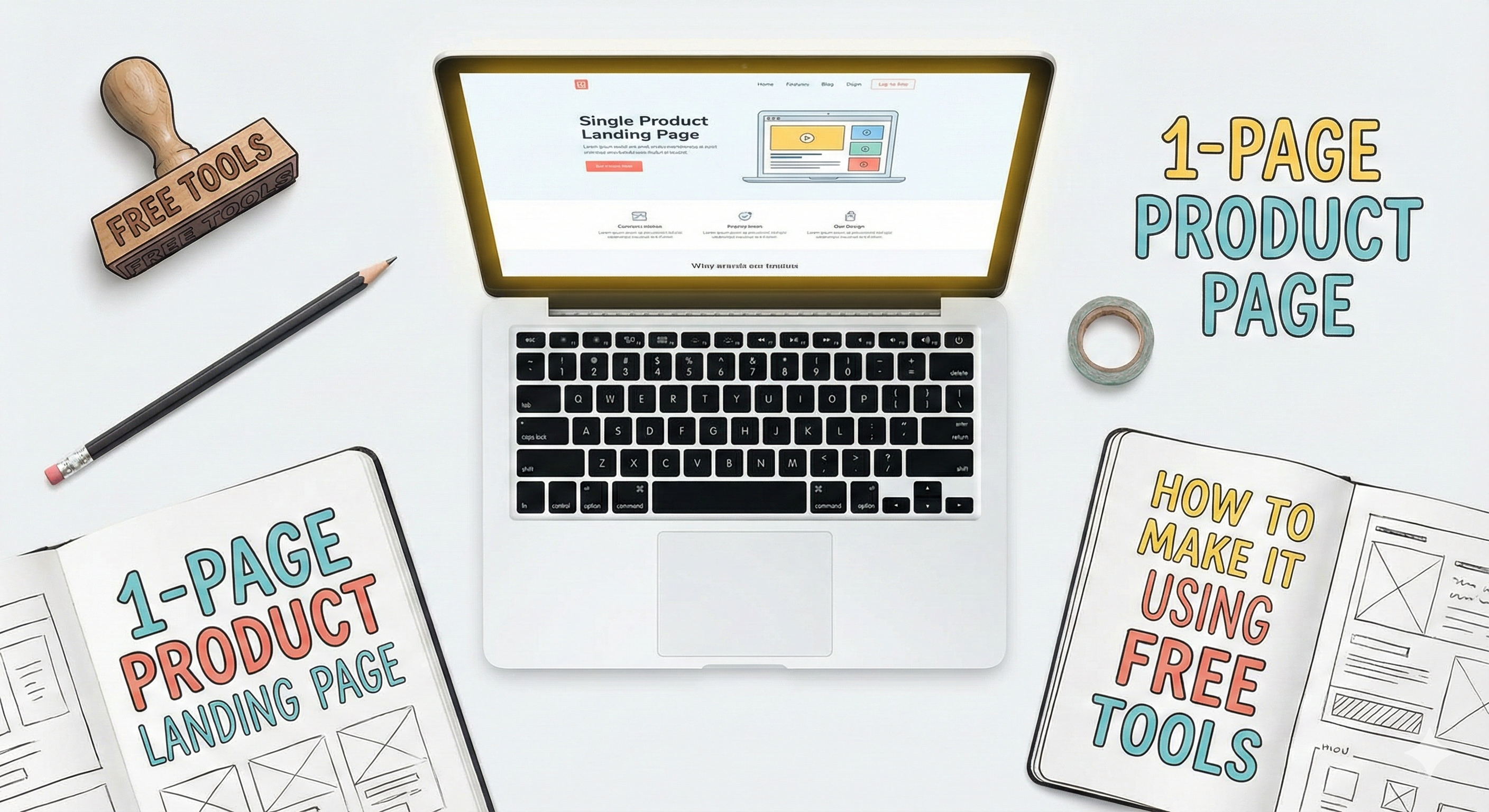
How to Make a 1-Page Product Landing Page Using Free Tools
If you’ve got a product idea but no coding skills or budget, this guide is for you. You don’t need to spend a single rupee or dollar to make a clean, modern landing page that actually converts. In fact, you can build one in a few hours — using only free tools.
Let’s walk through it step by step.
🧩 Why a One-Page Landing Page Works So Well
Before you open any design tool, it’s worth understanding why one-page sites are so effective.
They’re focused: You’re not sending visitors through multiple pages — just one clear message.
They’re fast: No one likes slow websites. A single page loads quickly.
They convert better: With fewer distractions, visitors take action — like signing up or buying.
They’re easy to maintain: You don’t need a developer or updates every week.
Now, let’s get to the fun part — building your own.
🛠 Step 1: Choose a Free Landing Page Builder
Here are some of the best free tools for building your page:
Carrd (carrd.co) – Super simple drag-and-drop builder. Perfect for portfolios or product launches.
Notion + Fruition – If you’re already using Notion, you can turn any Notion page into a website for free.
Tally + Super.so – Create form-based landing pages (great for waitlists or email signups).
Google Sites – Completely free and connected with your Google account. Works great for quick projects.
👉 Pro tip: Start with Carrd — it’s beginner-friendly, fast, and looks professional even on the free plan.
🧠 Step 2: Plan Your Page Structure
A great landing page follows a simple flow:
Headline – Grab attention in 1 sentence.
Example: “A Smarter Way to Track Your Habits — Meet FocusFlow.”
Short description – Explain what it is and why it matters.
Visual or mockup – Use tools like Canva or Figma to create a product preview.
Benefits list – Highlight what users gain, not just what your product does.
Call to action (CTA) – Tell people exactly what to do next.
Example: “Join the waitlist,” or “Get early access.”
Keep everything above the fold clean, bold, and minimal.
🎨 Step 3: Design It with Free Visual Tools
Even if you’re not a designer, you can make your page look great with these free tools:
Canva – For banners, buttons, and mockups.
Unsplash or Pexels – For high-quality, copyright-free images.
Colorhunt.co – For picking beautiful color palettes.
Google Fonts – For modern, clean typography.
Remember: white space is your friend. Don’t fill every inch with text or color — simplicity sells.
💌 Step 4: Add Signups or Links
Want to collect emails or drive traffic somewhere?
Use Tally.so or ConvertKit (free plan) for email forms.
Add Linktree or Beacon.bio if you’re linking multiple things (like socials or stores).
Embed a simple form in Carrd — no coding required.
Your landing page should have one clear goal. Don’t confuse your visitors with multiple CTAs.
🚀 Step 5: Launch and Share
Once your page looks solid:
Preview it on mobile and desktop.
Publish it (Carrd or Google Sites gives you a free URL).
Share it on social media, LinkedIn, or in your bio.
Collect early feedback from friends or communities.
💡 Bonus: Free Hosting & Analytics
If you want to take it one step further:
Netlify or GitHub Pages – Free hosting for simple HTML pages.
Plausible or Google Analytics – Track who’s visiting your site.
This helps you understand what’s working — and what’s not.
✨ Final Thoughts
You don’t need a design degree, code, or cash to create a landing page that feels professional.
Start small, focus on clarity, and keep testing what grabs attention.
Your first one-page product site could be live by tonight — and that’s the best way to start turning your ideas into something real.
Discover Premium Tools & Resources
Unlock exclusive access to premium productivity tools, trending resources, and expert recommendations curated just for you.